Studio Changes
Latest updates and improvements to Studio brief management platform
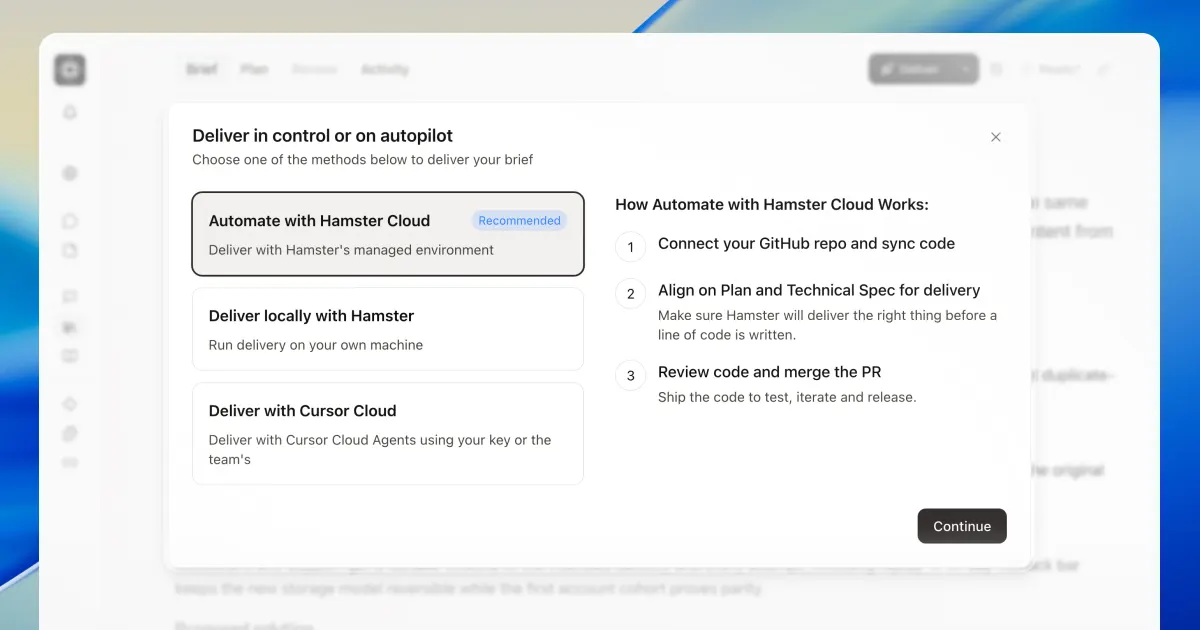
Turn your briefs into code with Cursor's cloud agents, or build locally with the Hamster plugin.
Let Hamster take your brief through planning and into delivery. It can now prepare your cloud environment, too.
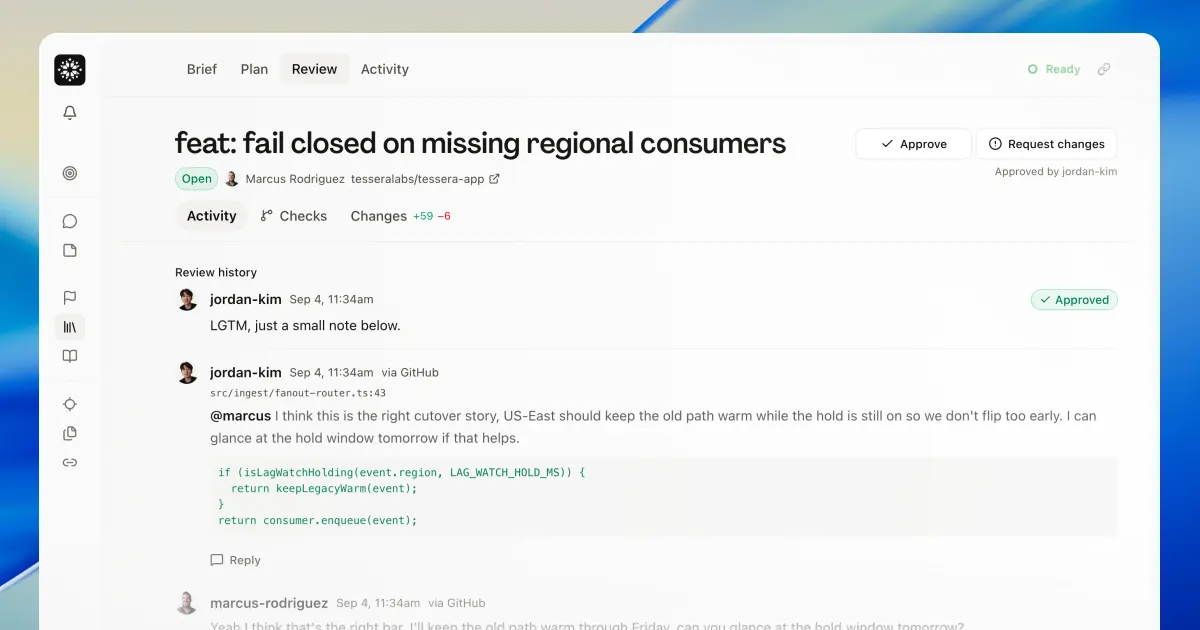
Review code with your team, right in Hamster. Plus, GitHub activity can now start your routines.
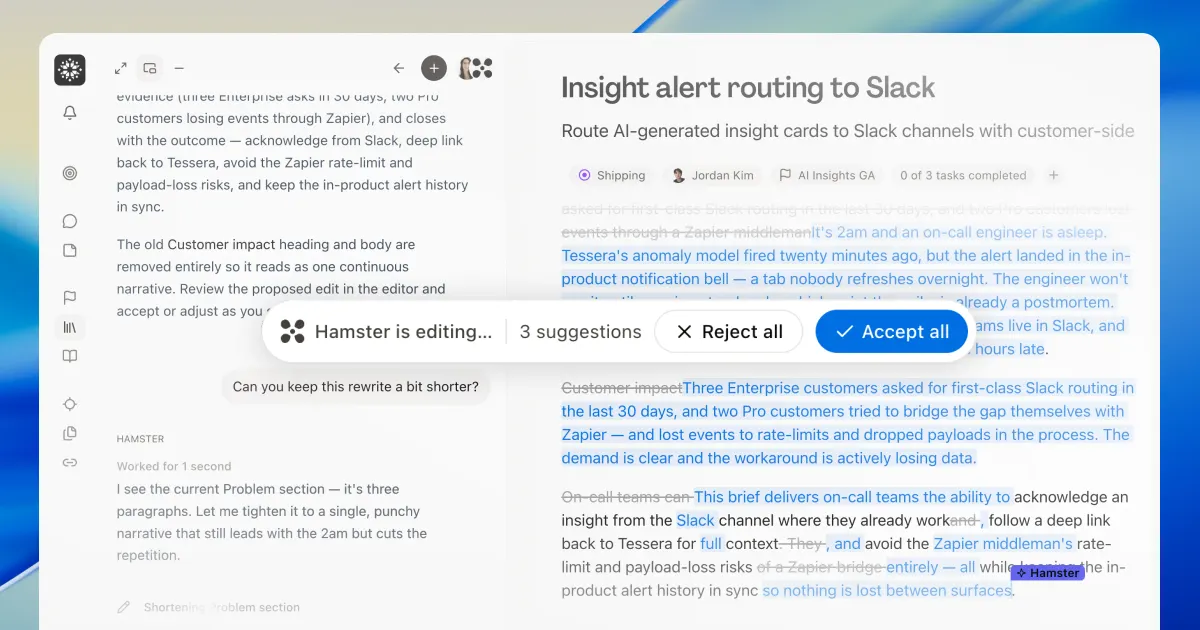
Hamster now edits documents like a real teammate. Plus you can steer cloud agents during live deliveries.
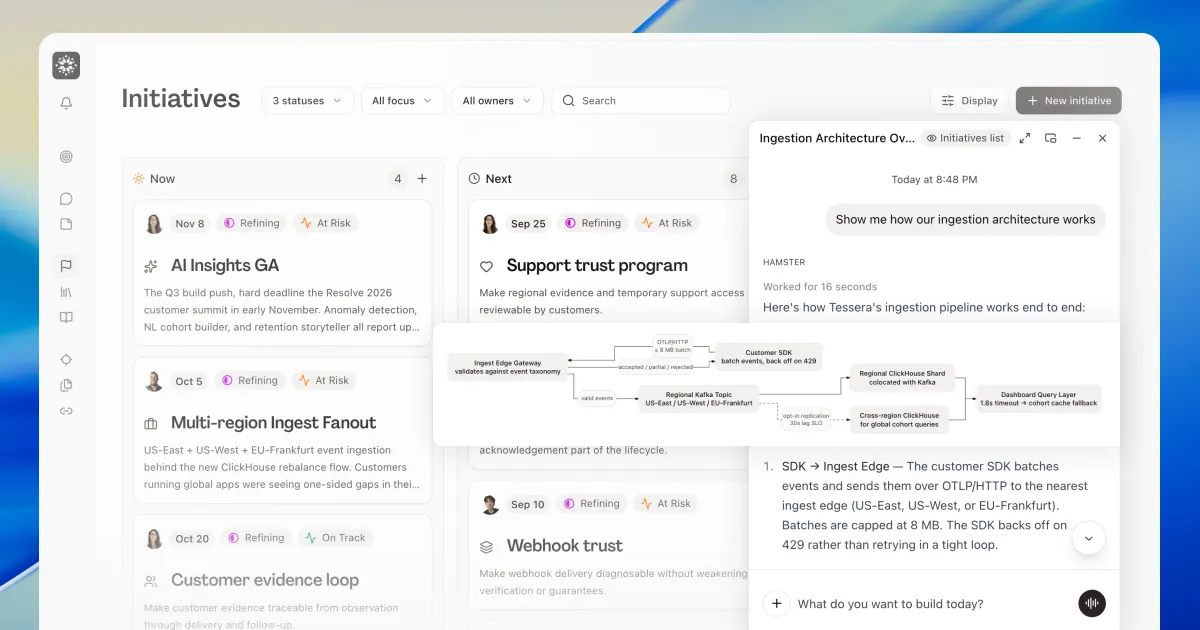
This week's highlights include focus on what's now, next, and later; diagrams to help communicate concepts quickly; and folders for blueprints.
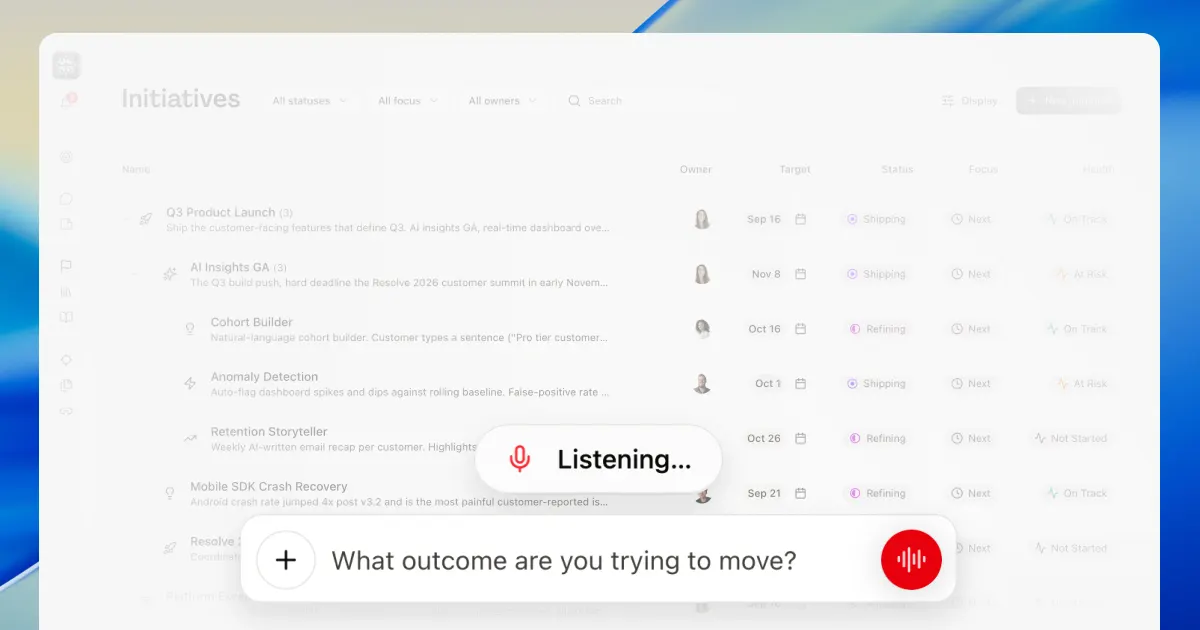
Talk to Hamster without your keyboard or while in a meeting. Hamster chat also works from the terminal.
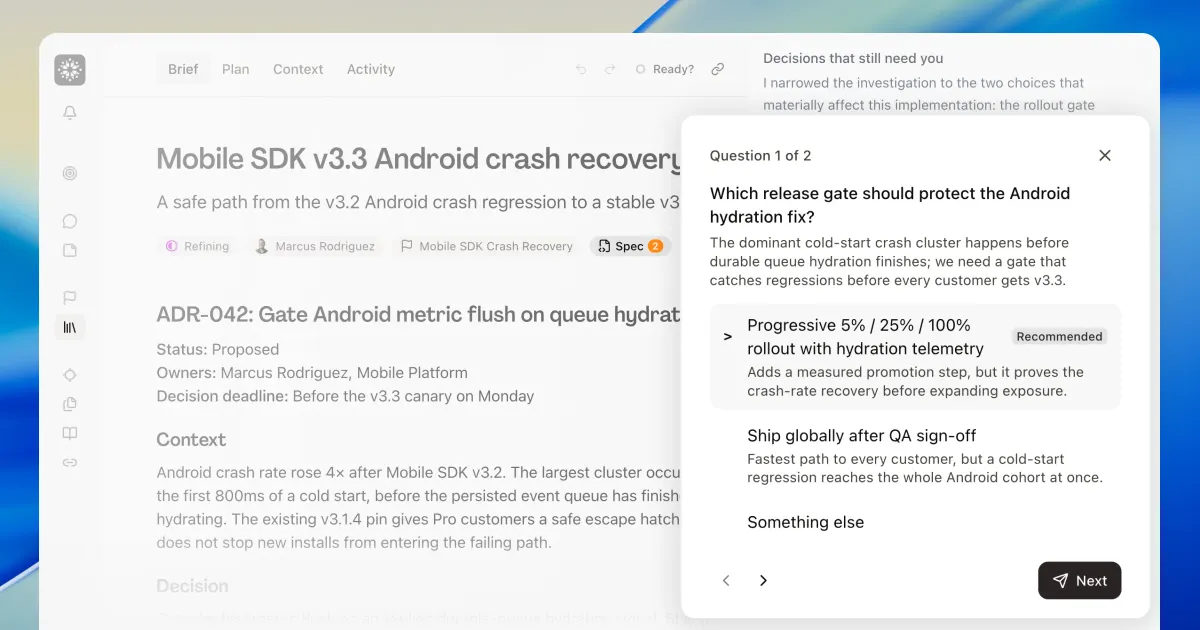
Specs give you a dedicated space for technical implementation. Plus your Hamster now answers to a name you choose.
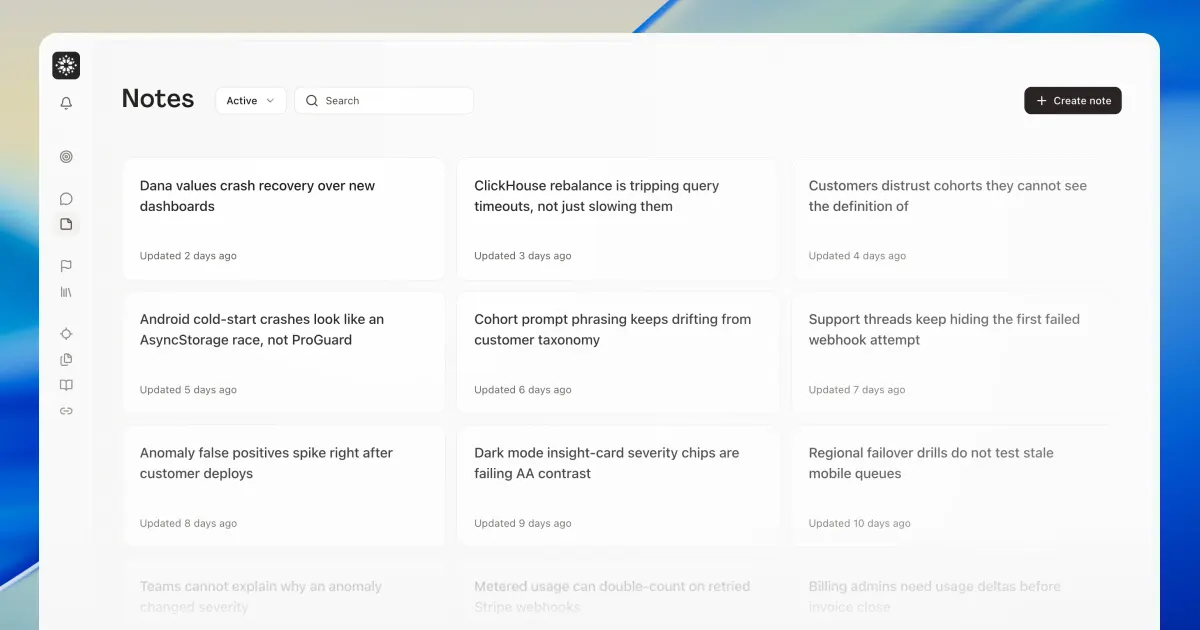
Notes give you space to think before you structure anything. Files brings every upload across your workspace into one place.
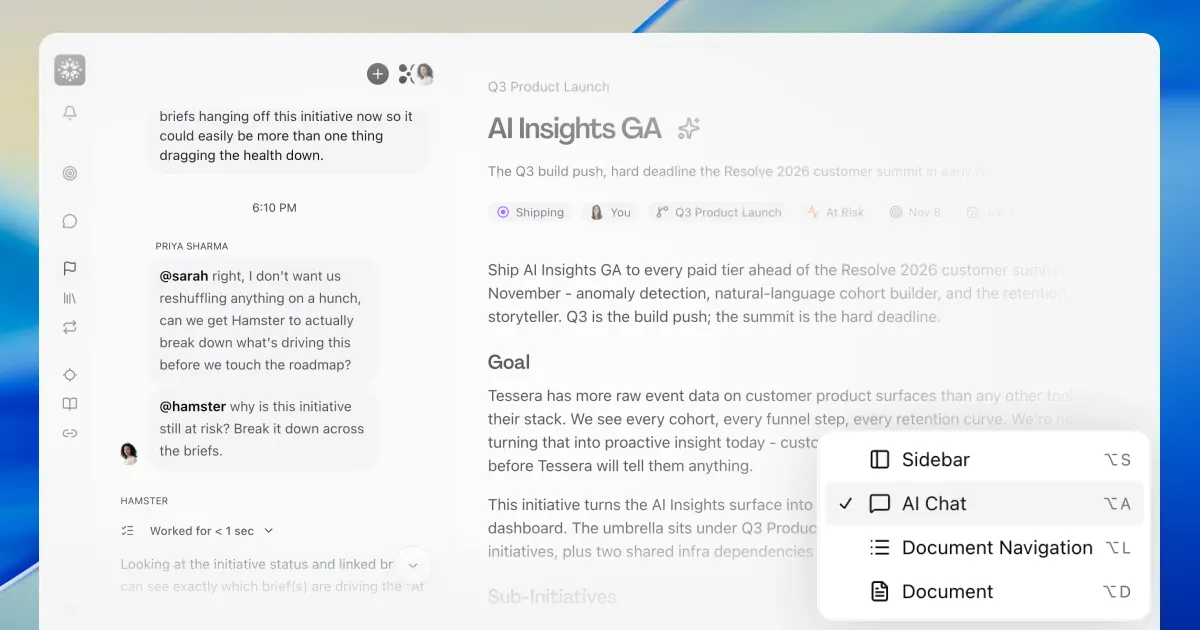
Global Chat keeps multiple conversations moving wherever you are in the workspace.
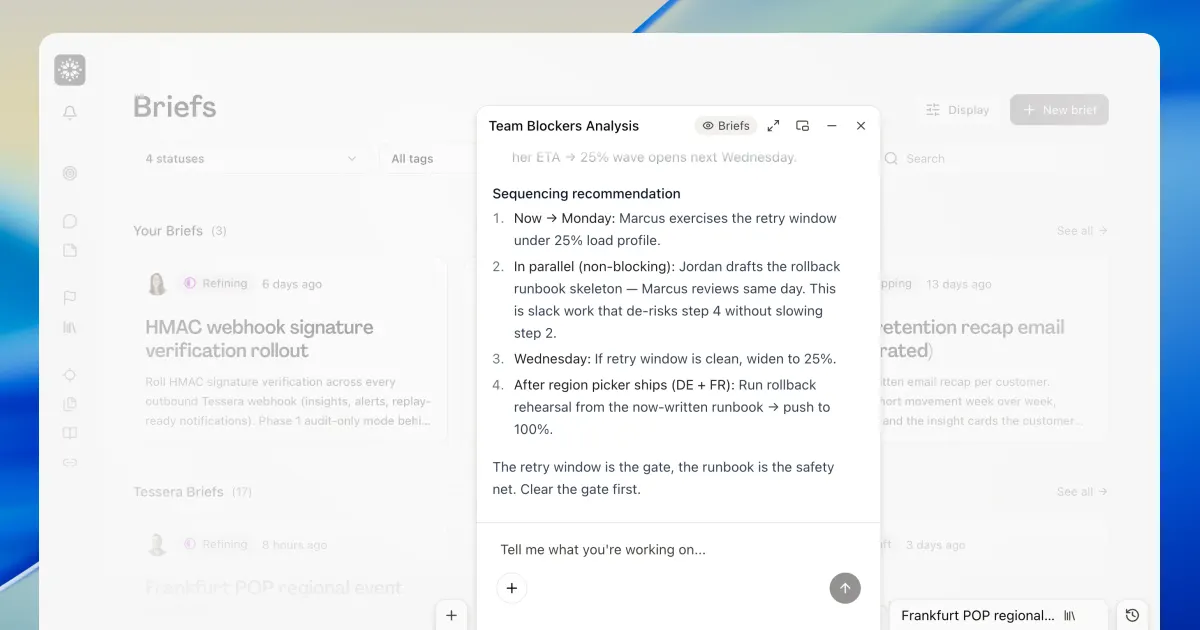
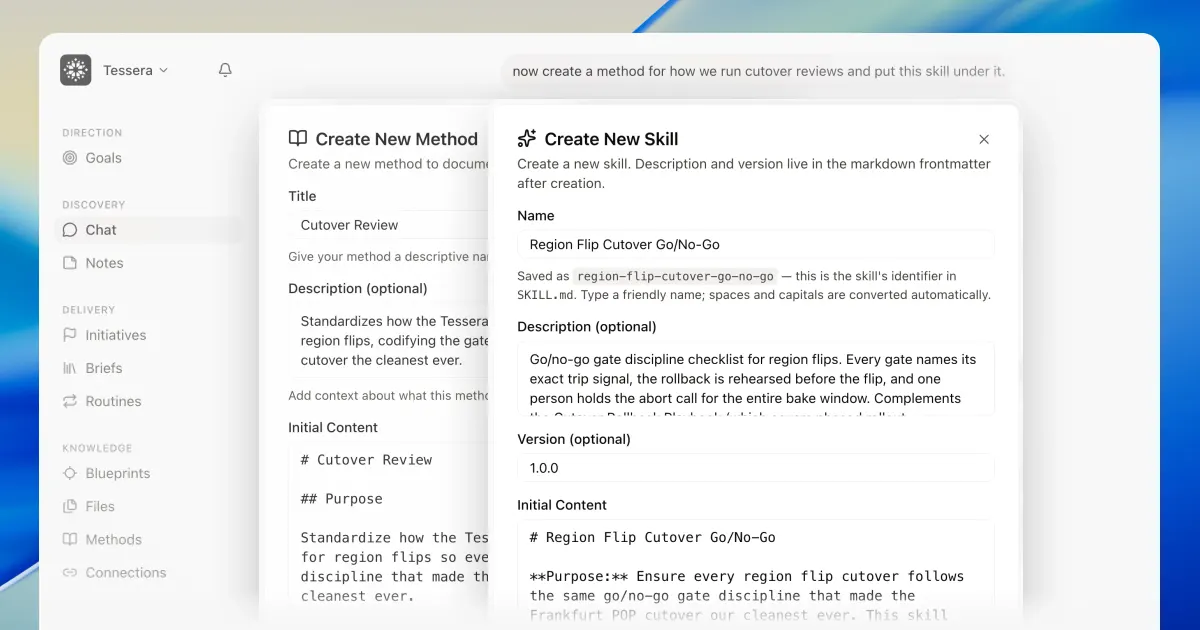
Create and refine skills or methods from chat. Thoughts also surface what blocks your team’s progress.
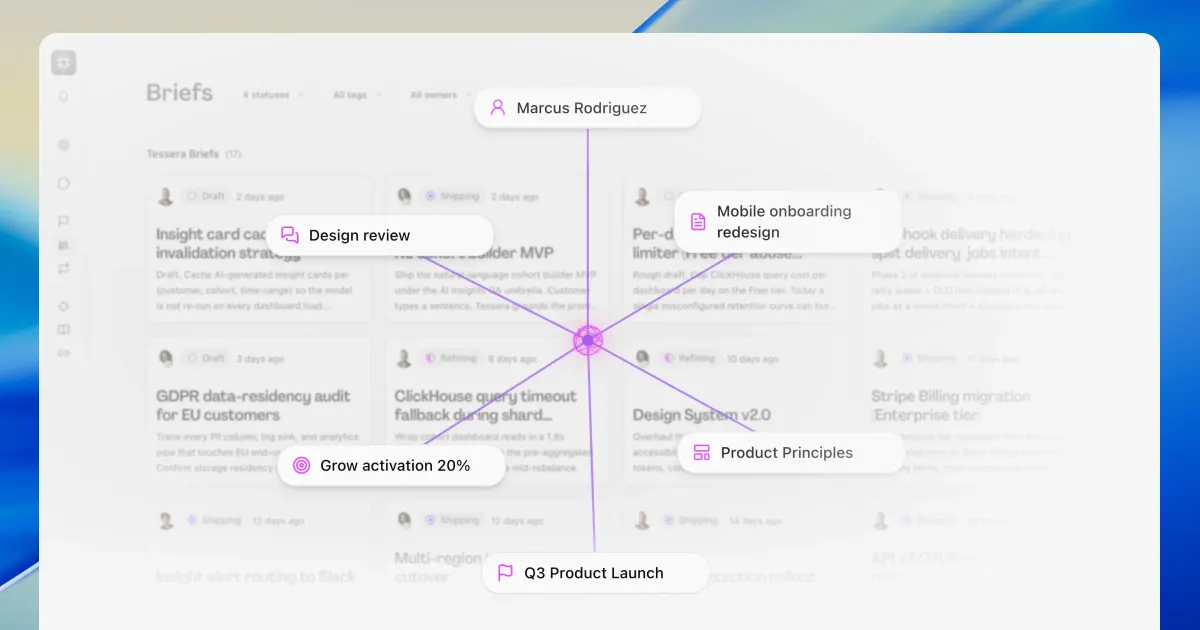
Your context graph is now a click away, on any brief, goal, or initiative.
Your team and Hamster can now think through an initiative together, not just the briefs under it.
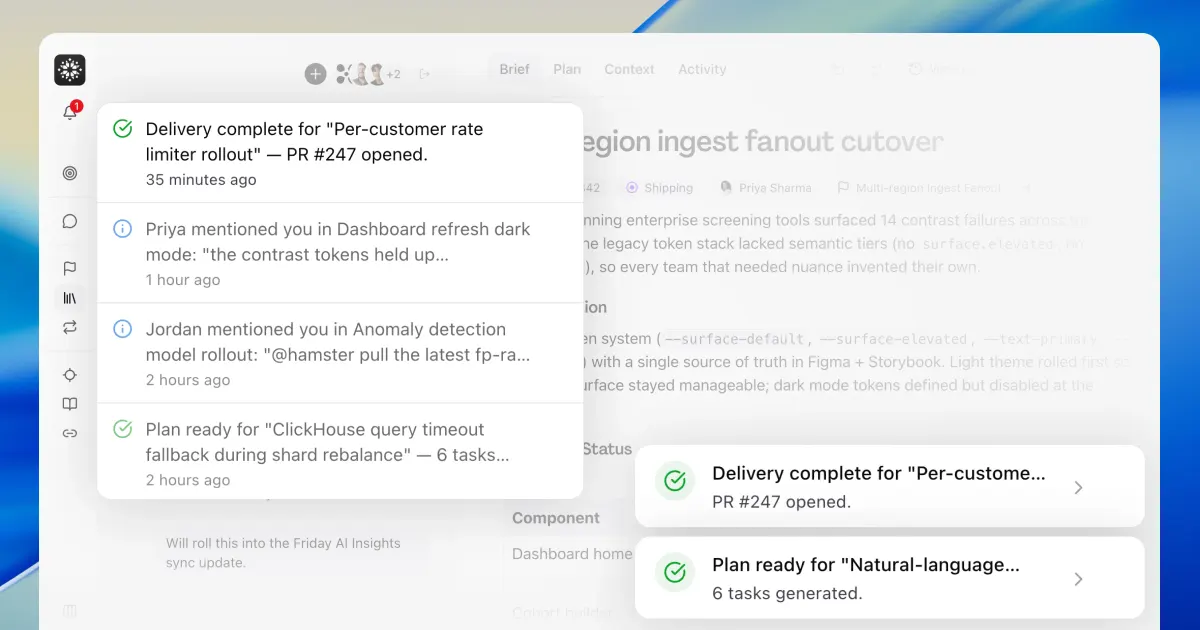
Get notified when a plan or cloud delivery finishes. Plus catch up on every release right in the app.
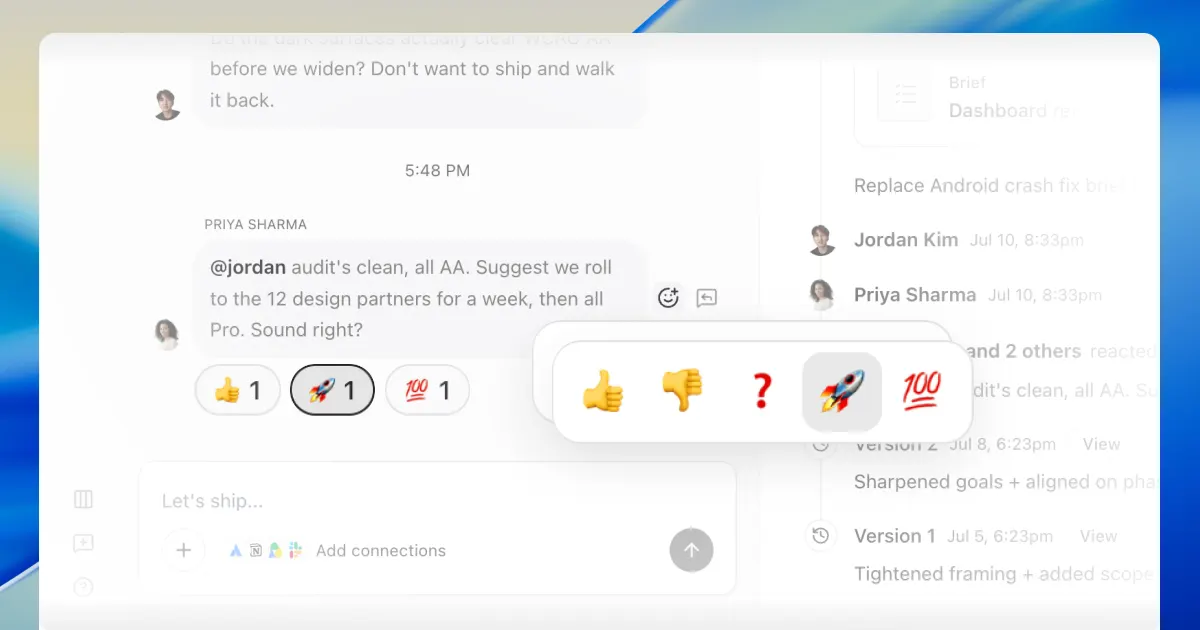
React to any message in a shared thread with an emoji. You can also type / to pull a skill into the conversation.
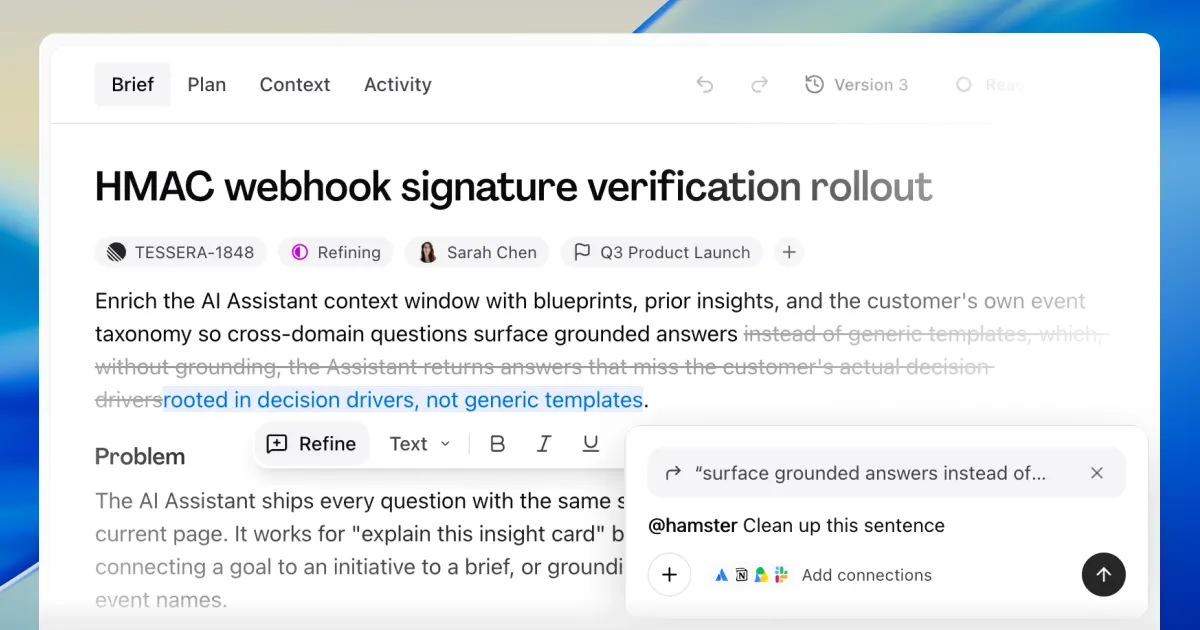
Refine reworks any passage of a brief or blueprint you highlight. Plus your notifications now show up in Slack.
Every page in Hamster now opens the moment you click. Plus two-way sync with Asana, and chat nudges for what's next.
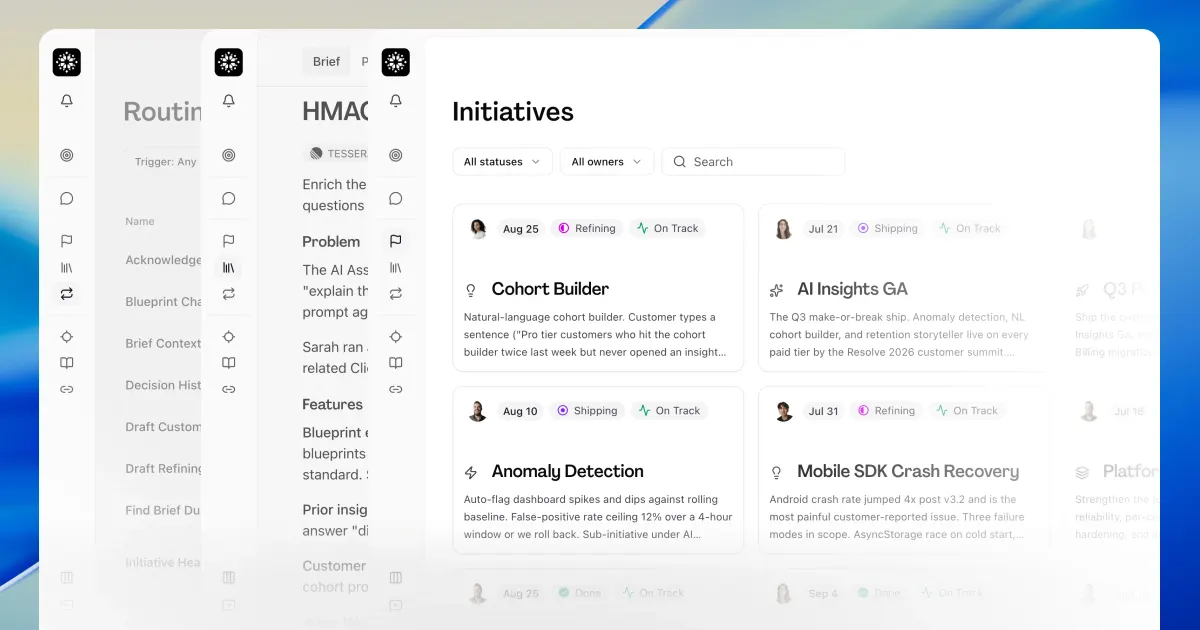
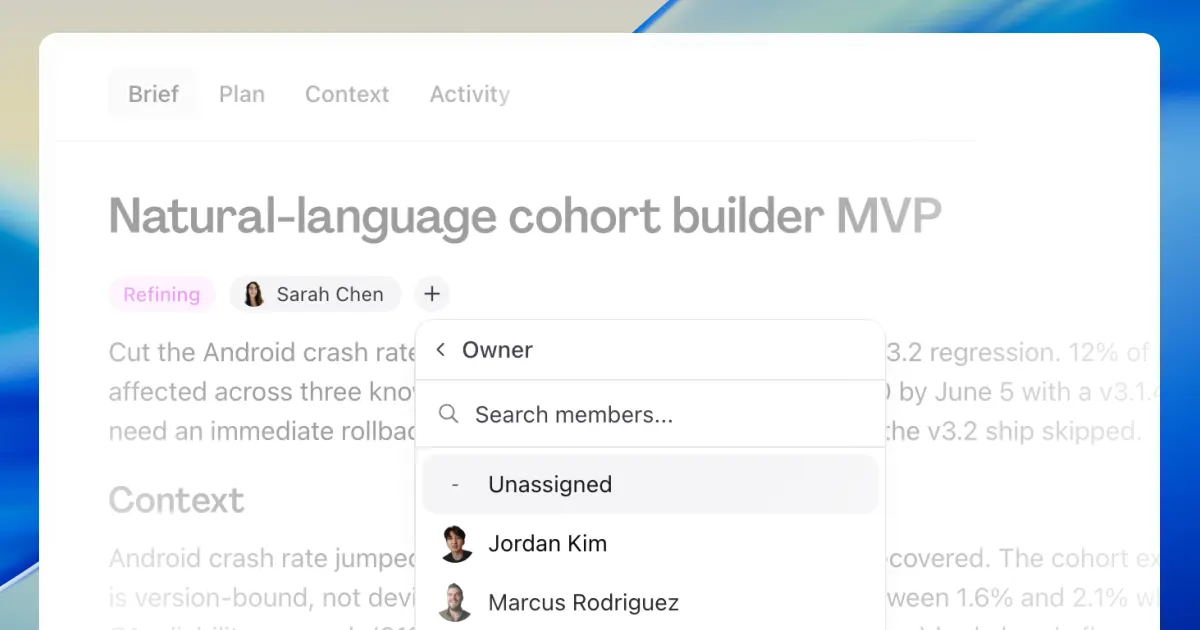
Briefs now have an assignable owner. Hamster also turns a chat ask you keep repeating into a prefilled routine, ready to save.
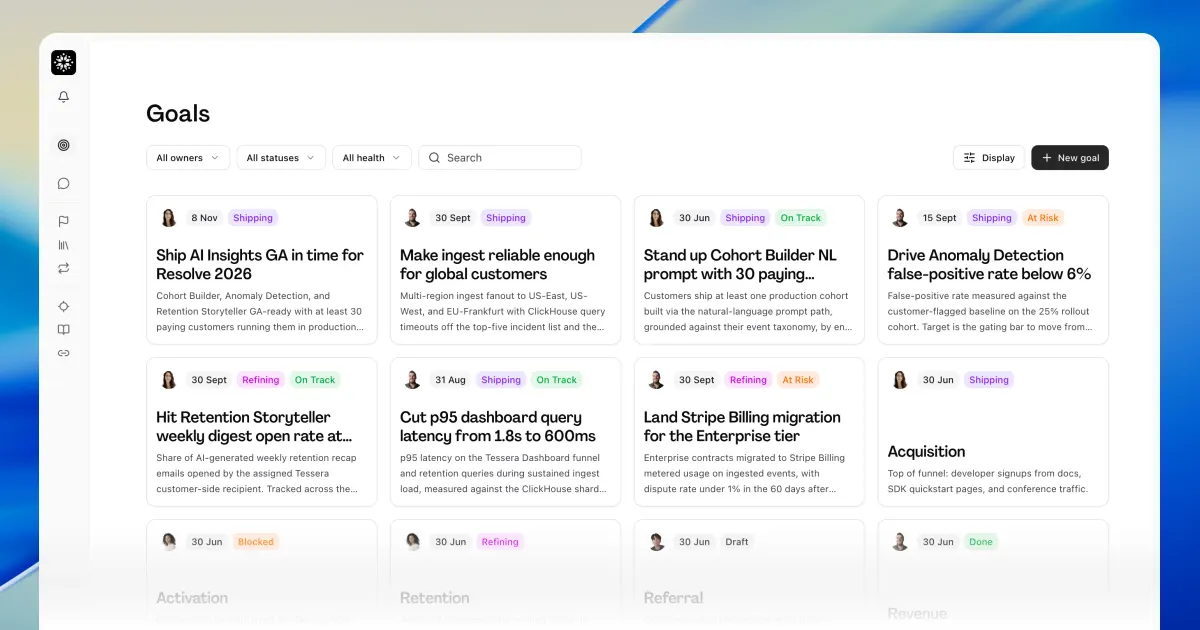
Goals align the whole team behind a single direction. Rebuilt code context understands your whole codebase and answers in seconds.
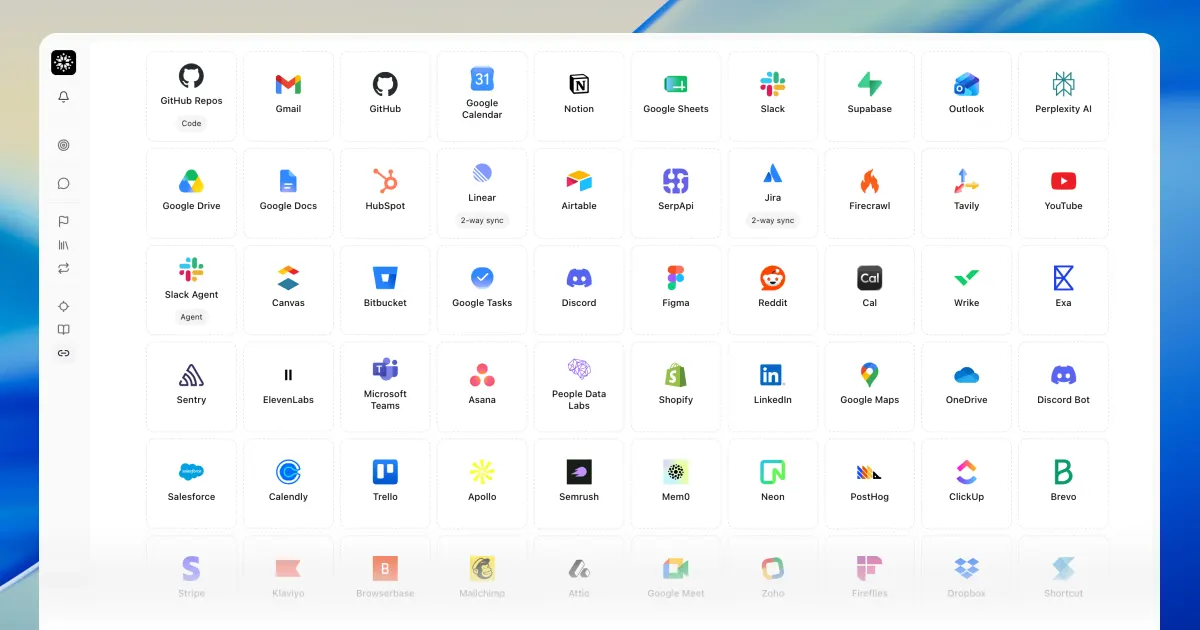
Connect the 1000+ tools your team lives in and use them without ever leaving Hamster. Blueprints and Confluence pages now sync both ways.
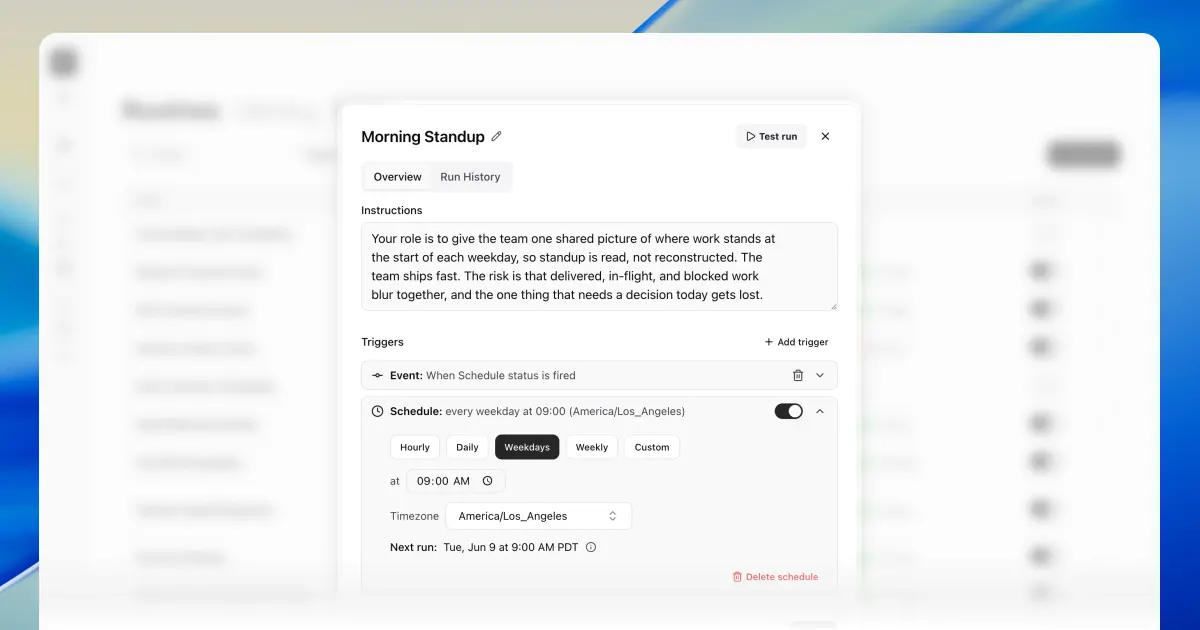
Routines now run on a recurring schedule, not just on workspace events. New workspaces also start from a blueprint built from your site and docs.
Connect Asana and Hamster references your projects and tasks across briefs, plans, and chat. Hamster now also tailors replies to your role.
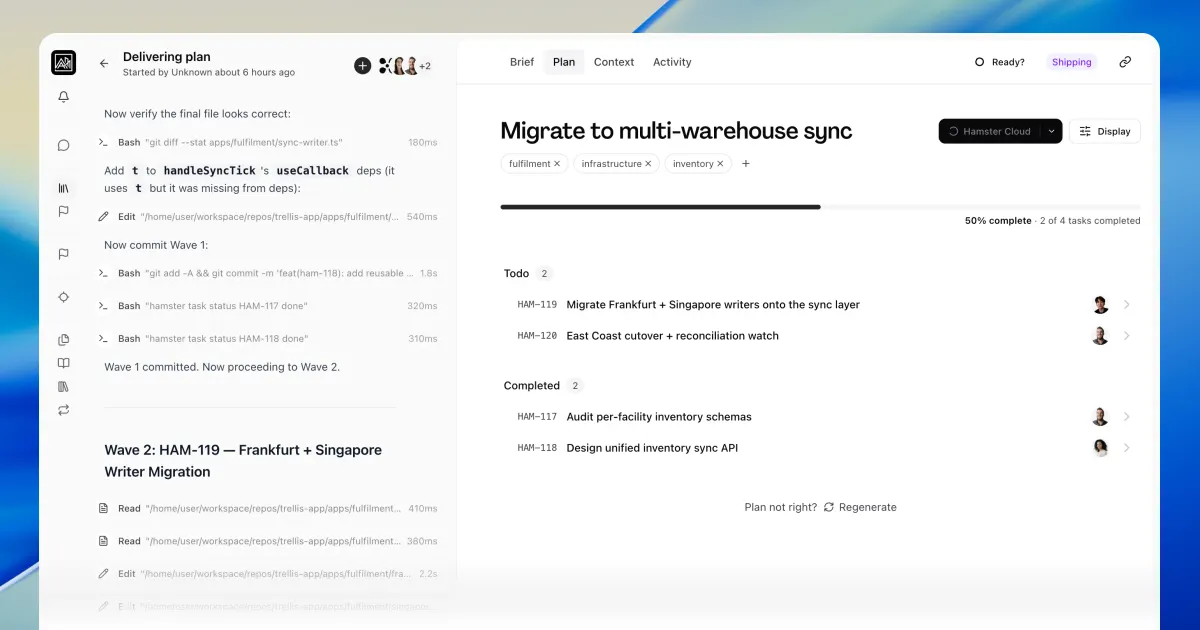
Cloud Agents take a brief from plan to PR. Trigger delivery from chat or the Plan tab.
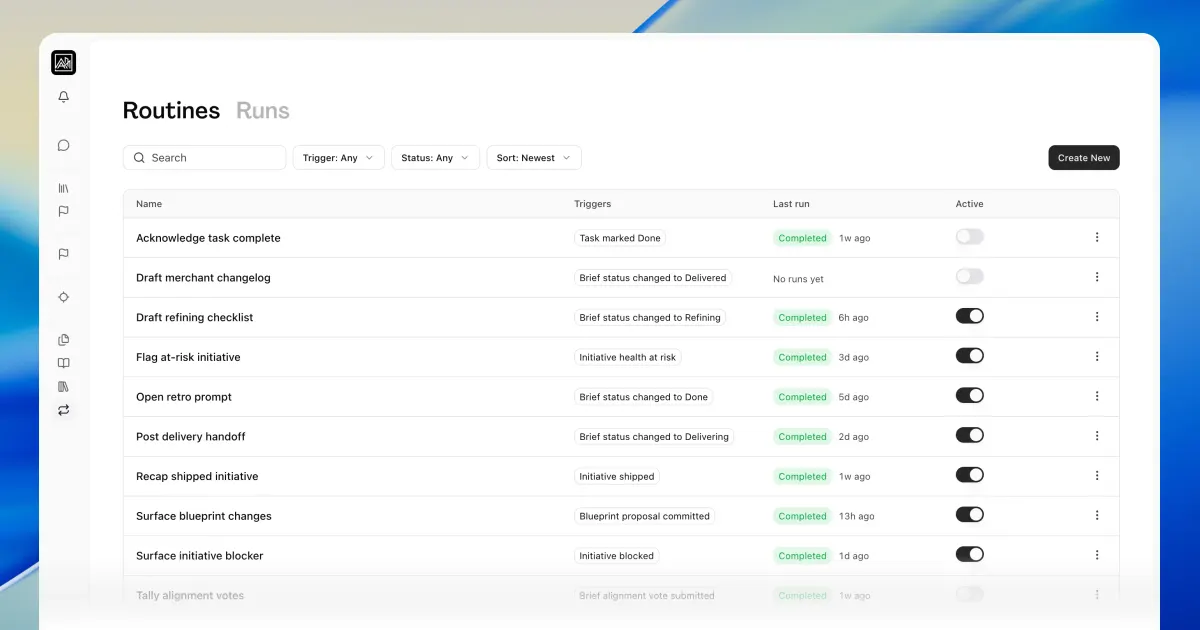
Routines run Hamster on brief, task, initiative, and blueprint events. Results post into the relevant chat.
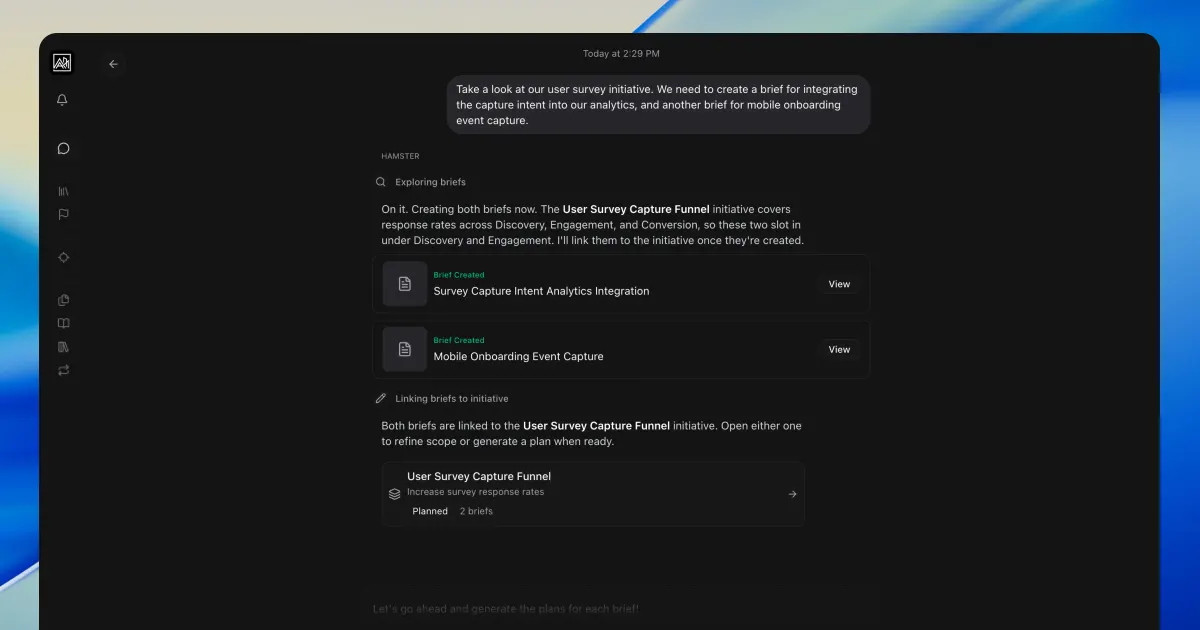
A single chat creates briefs, blueprints, and initiatives together, with cross-document edit suggestions. Plus brief alignment in Slack and Linear/Jira sync badges.
Connect a Figma workspace and Hamster can reference your pages and frames in briefs, plans, and chat.
Every PDF, image, and text document is now searchable context, plus Blocked and Archived initiative states and Linear sync for sub-initiatives.
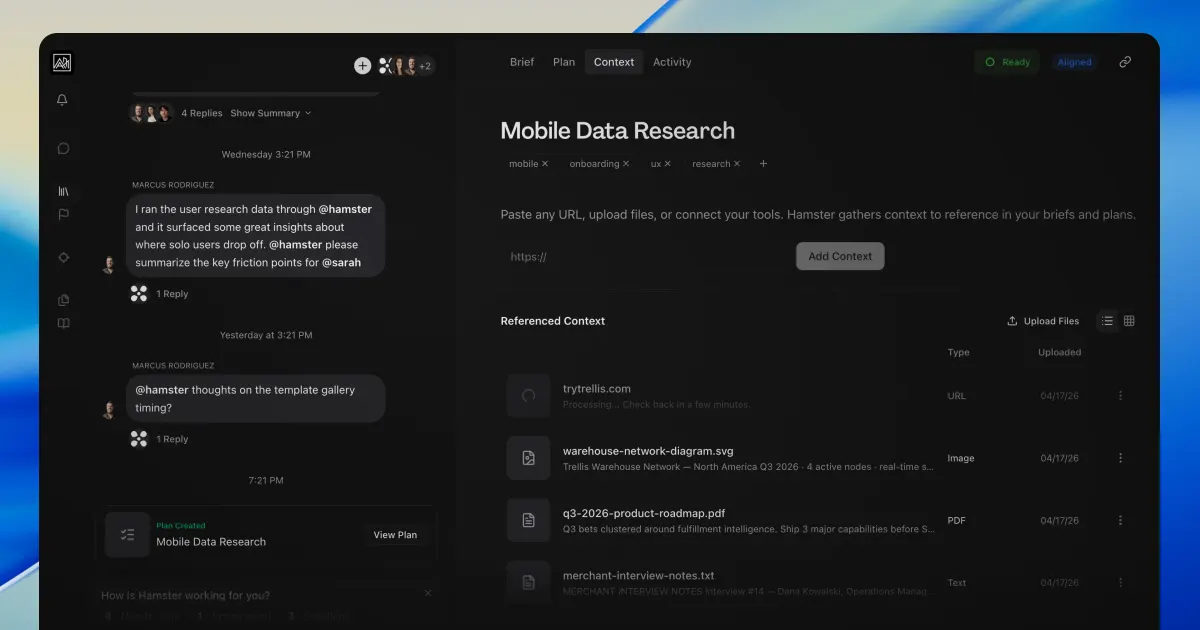
Your full history of conversations and decisions lives in the Context Graph—so chat, documents, and plans can draw on everything your team already decided and discussed.
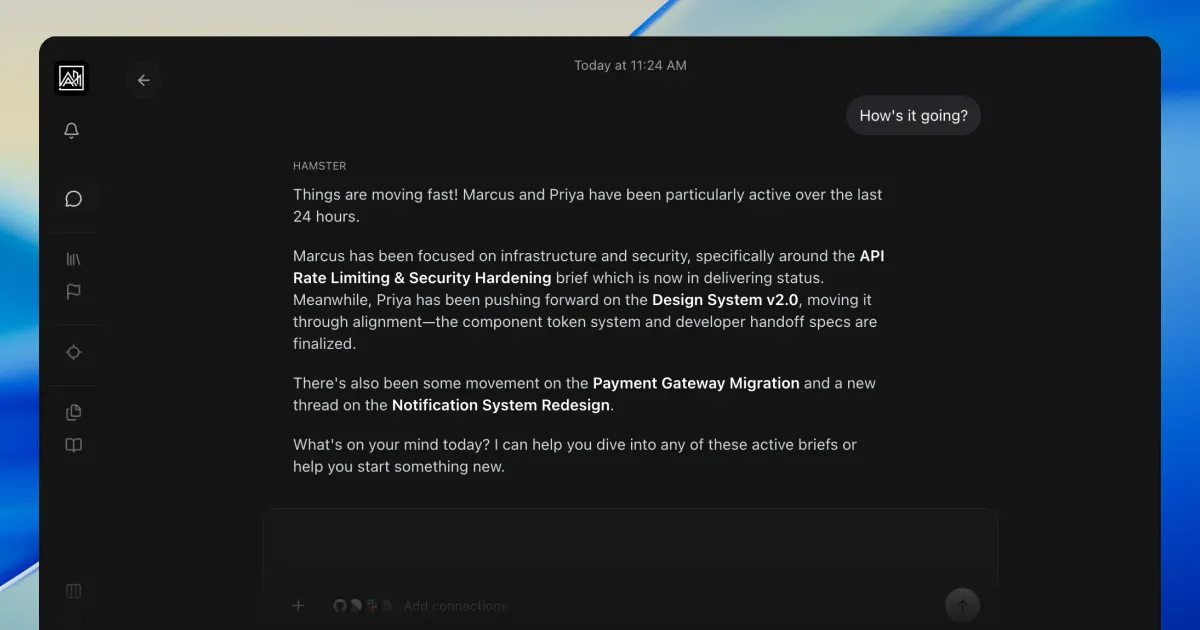
New roles give every stakeholder access while charging only for seats that ship briefs.
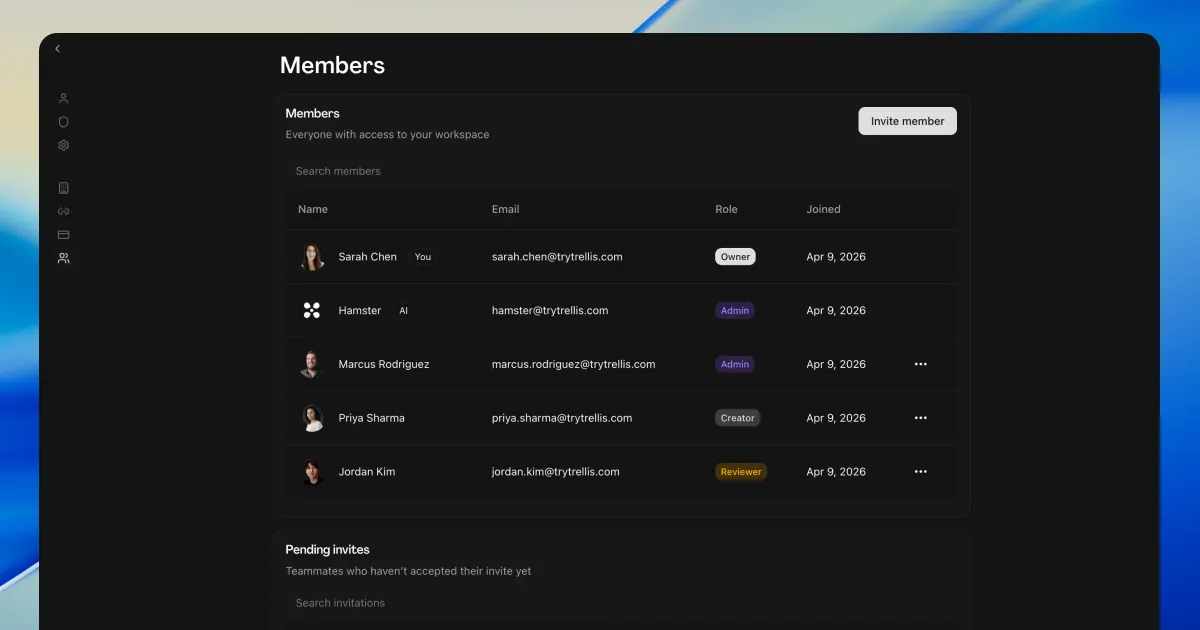
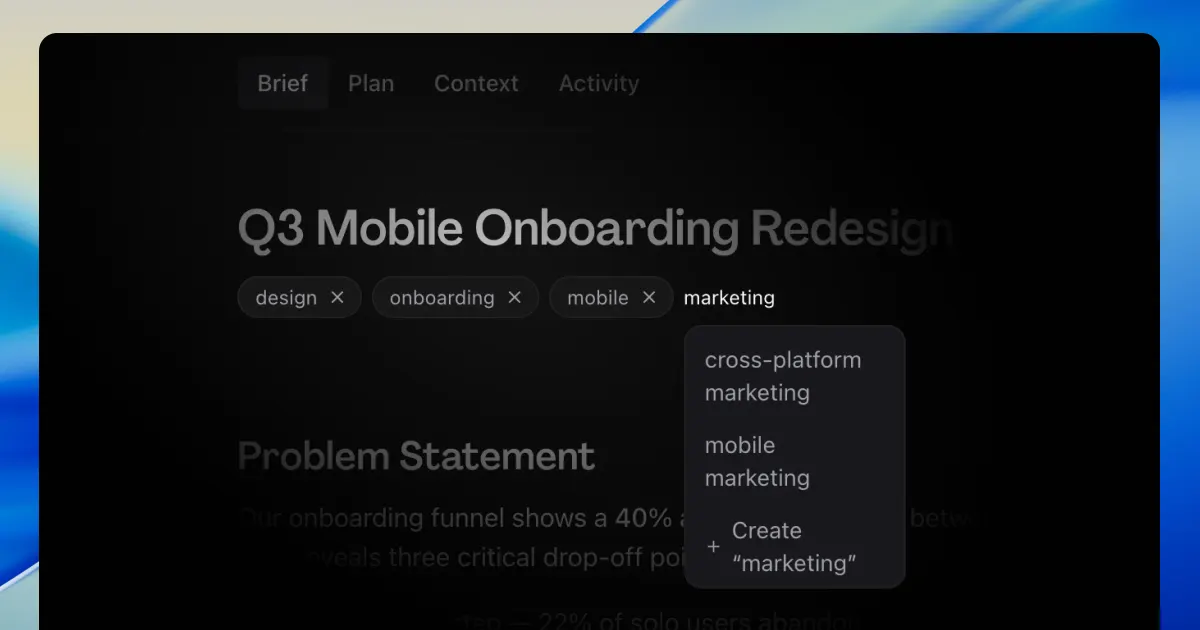
Custom tags let you label and filter across every view. Initiatives now sync with Linear.
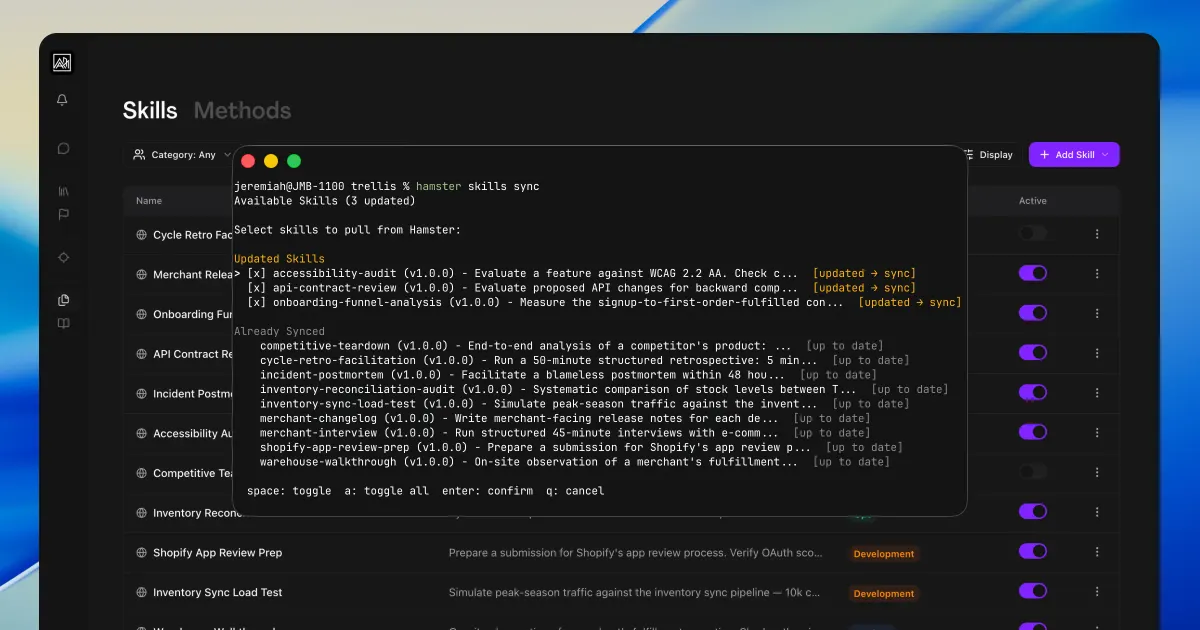
Hamster CLI now syncs your skills in both directions. Initiatives now work directly from chat.
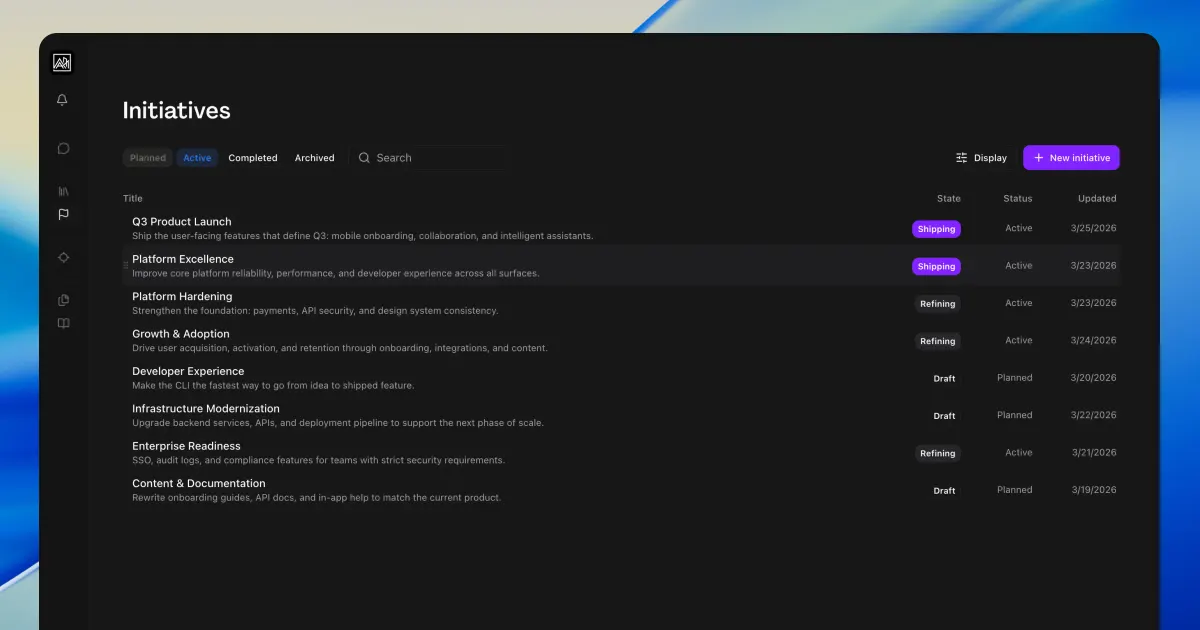
Initiatives group briefs under the product launches, redesigns, and goals driving them.
Author reusable skills that shape how Hamster approaches your team's work.
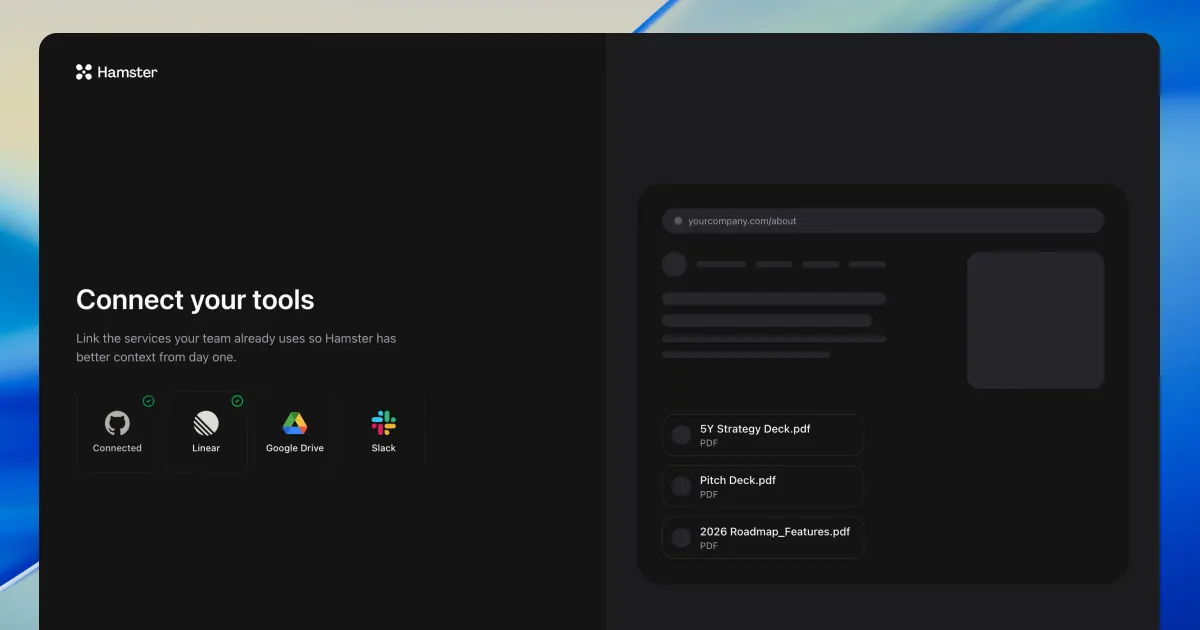
Connect GitHub, Linear, and more during onboarding. Synced tasks now show assignees who aren't in your workspace yet.
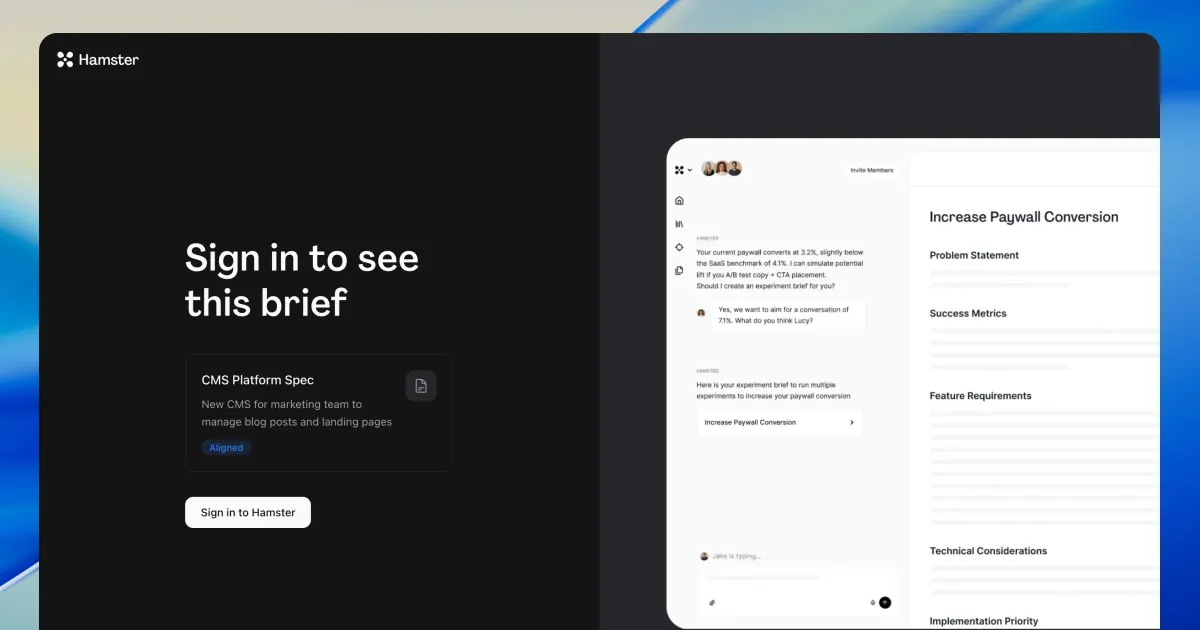
Shared brief links now show a preview page. Hamster now also revises plans mid-execution.
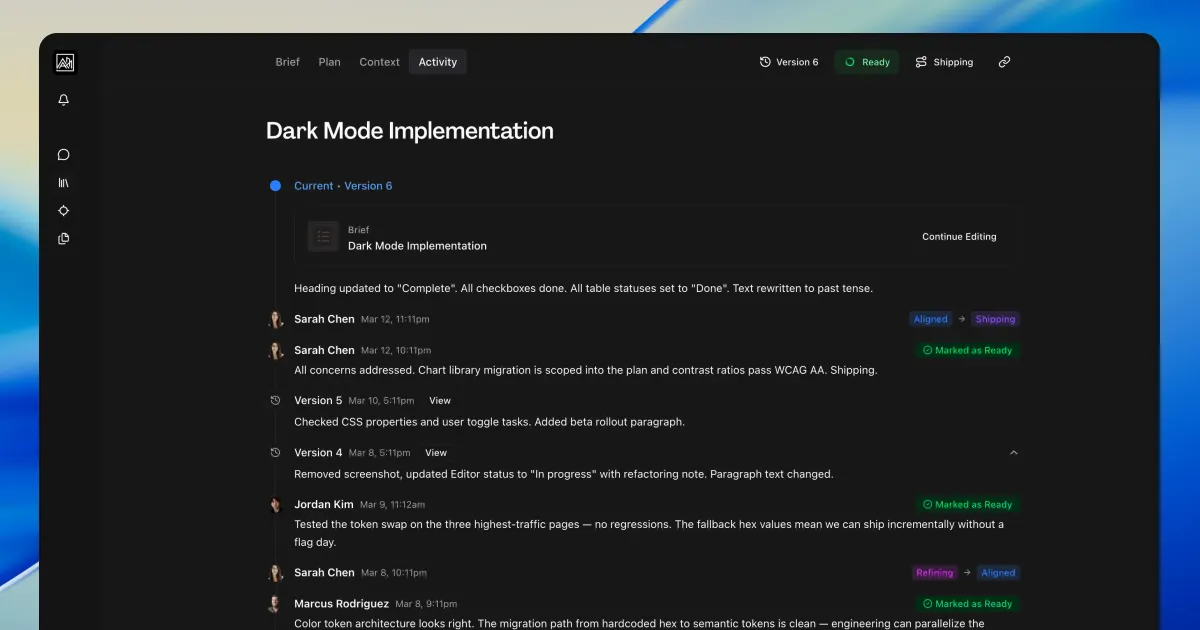
The redesigned Activity tab groups votes, status changes, and comments by document version.
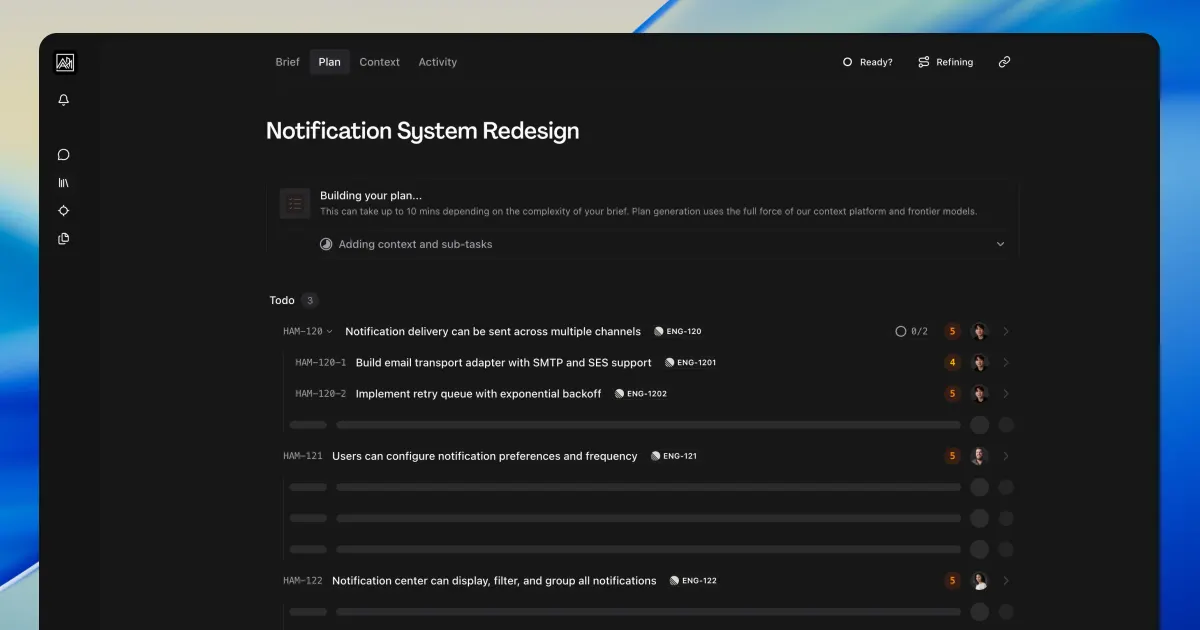
The redesigned Plan tab shows each phase of generation, plus Figma integration for briefs and blueprints.
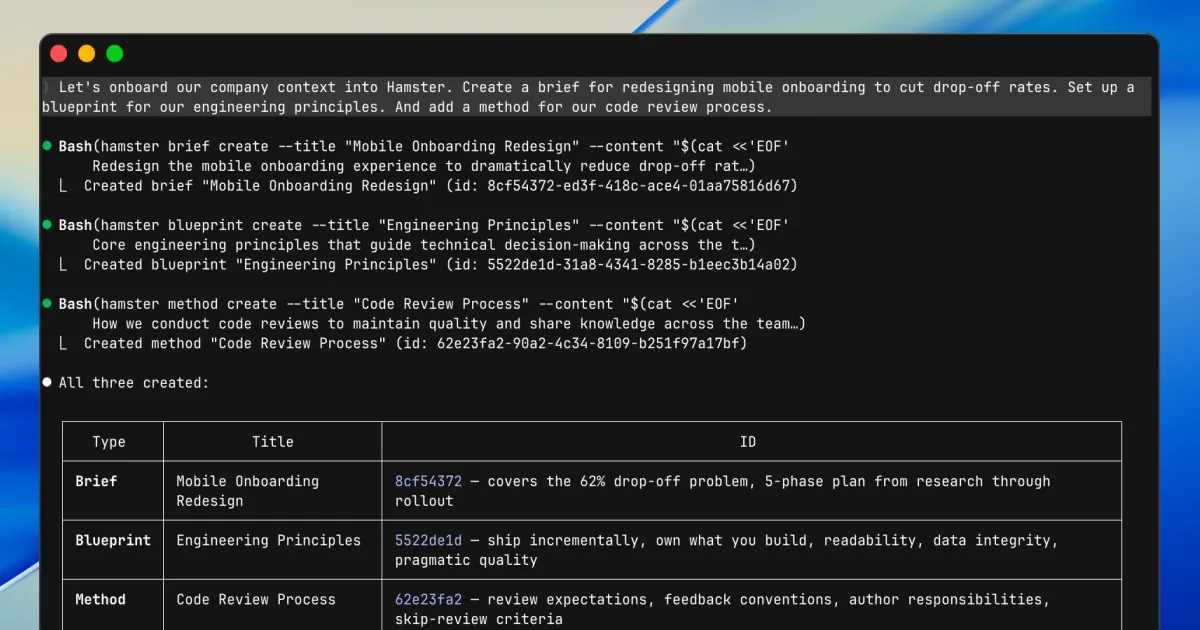
Your AI coding agent can now set up an entire project in Hamster from a single conversation.
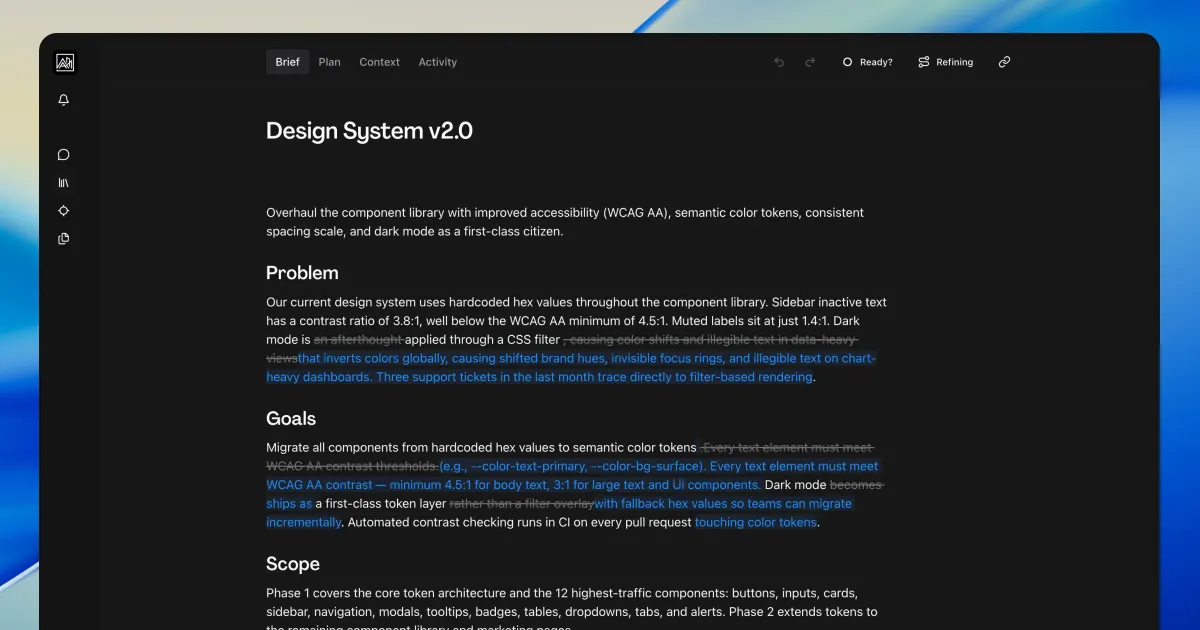
Inline diffs now highlight only the changed words, not entire paragraphs.
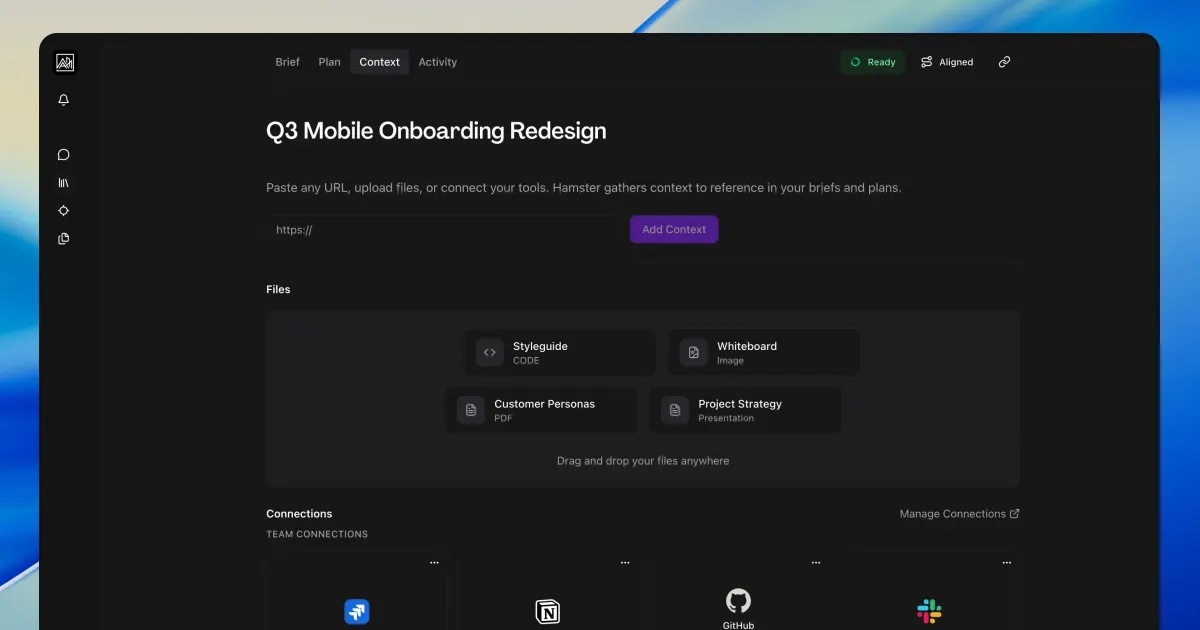
The redesigned Context tab consolidates files, URLs, and integrations into one unified view.
Two-way sync with Linear, plus guided onboarding that adapts to your workflow.
The CLI and MCP server give your coding agents live access to briefs, tasks, and plans. Plus document version history and six new languages.
A new feedback widget lets you submit reports without leaving your workflow.
Navigation shortcuts, recently viewed items, and keyboard shortcuts in the command palette.
Structured questions now appear throughout the entire product, with automatic clarification for ambiguous answers.
Chat directly with Hamster to add, remove, or restructure tasks in your plan.
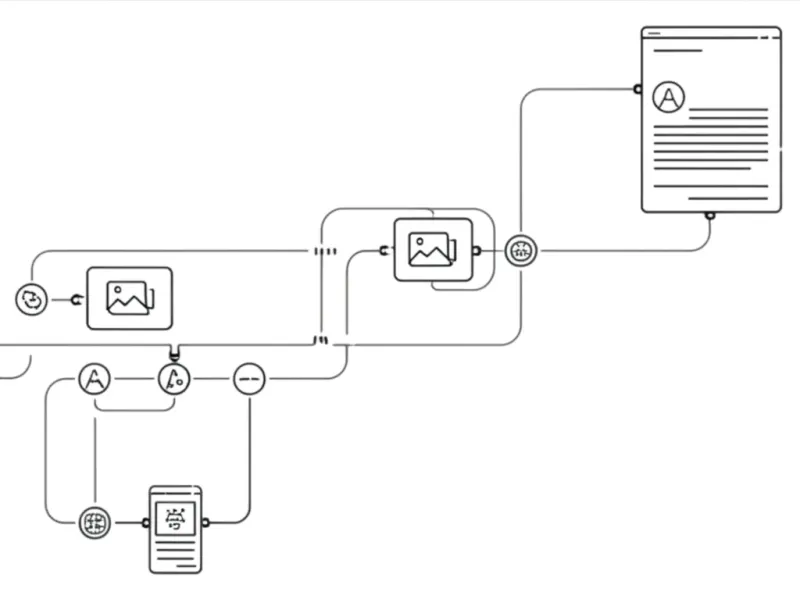
Plans now generate in a dedicated thread where you can watch progress and drill into any task.
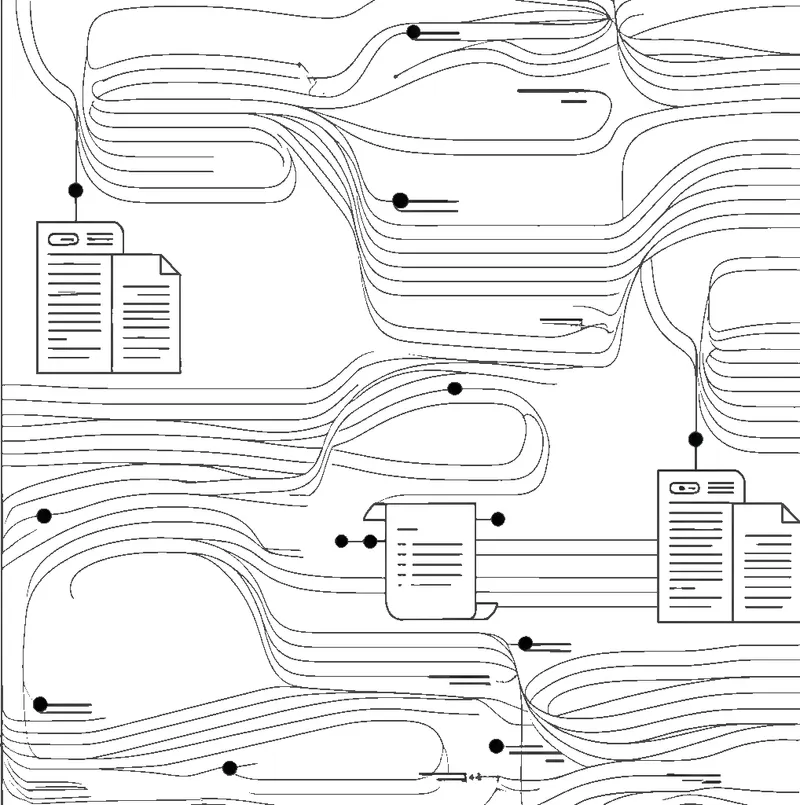
Hamster now researches topics independently and surfaces findings in your thread.
Structured discovery questions let Hamster collect the right information step by step.
Paste a Google Drive, Notion, Jira, or GitHub URL in chat and Hamster queries your connected integration directly.
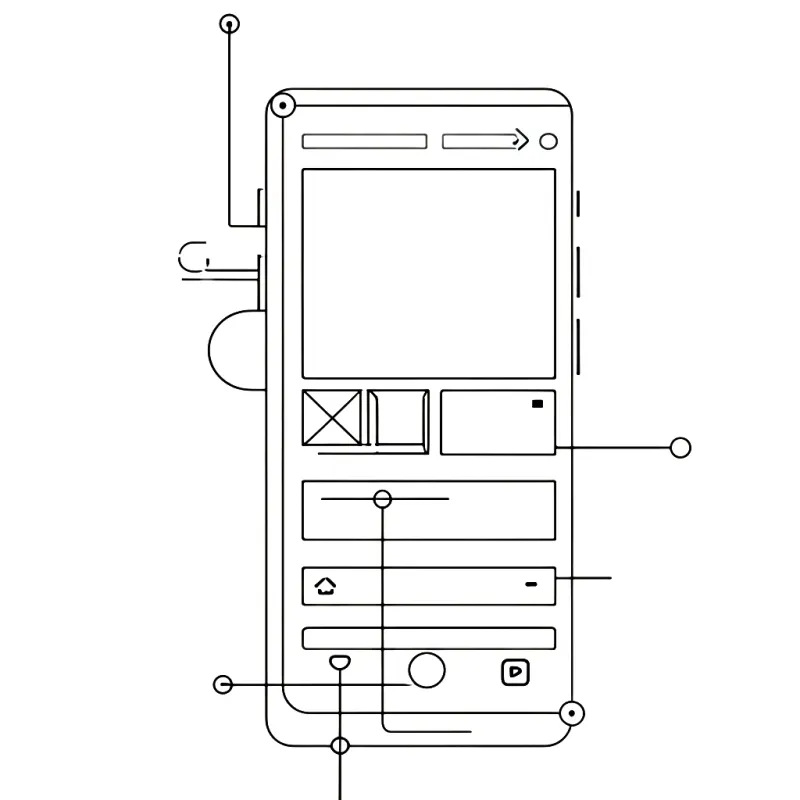
Blueprints and Methods now have a full mobile chat interface with tab navigation.
Link your Google Drive account and Hamster pulls in your documents when generating briefs and blueprints.
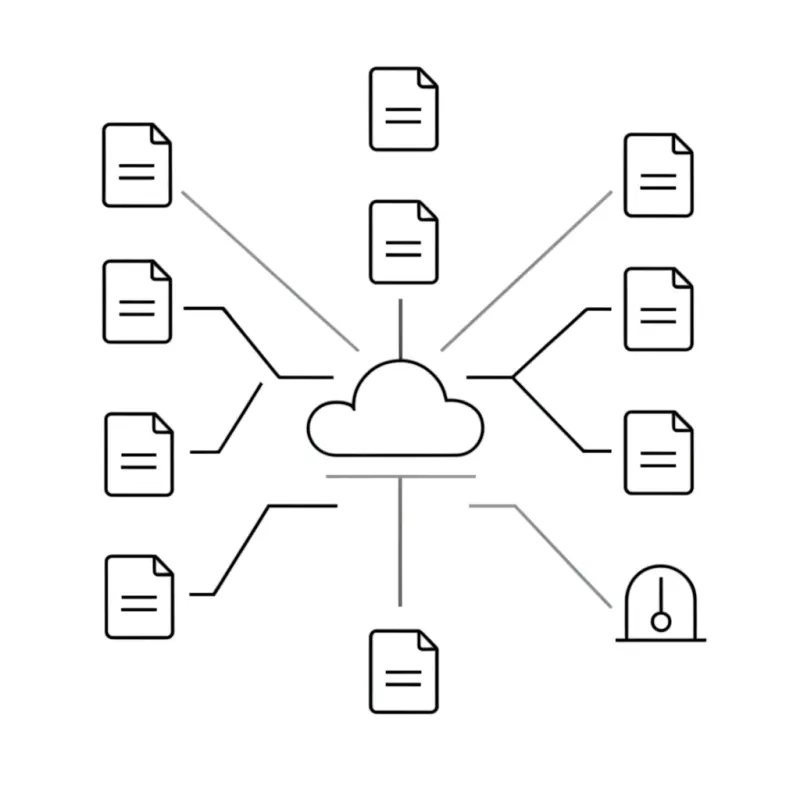
Ask Hamster to look into a competitor or industry trend and it returns structured findings for your briefs.
Chat history is now used as context when Hamster processes your requests.
The new block-based editor supports real-time collaboration, change previews, and inline images.
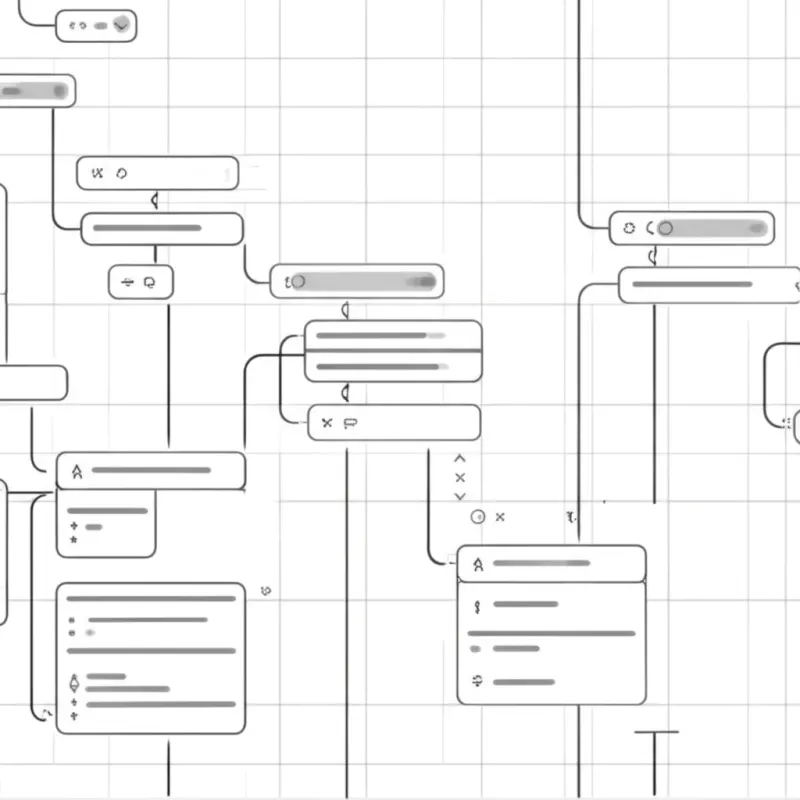
Hamster now pauses mid-workflow to ask for clarification or get your approval before proceeding.
A step-by-step wizard walks you through workspace setup, team invites, and uploading company context.
Connect your Slack workspace so Hamster can reference team discussions when generating briefs.
Blueprints and Methods give Hamster structured knowledge about your company and team processes.
The diff viewer now accurately shows proposed changes for documents of any structure or size.
Chat threads auto-generate titles based on conversation content.
New users are guided through setup before accessing the full platform.
Realtime Replay lets you step through every change to a document and see who made it.
Connect your Linear workspace so Hamster can reference your issues and projects.